Windows Subsystem for Linux (WSL) is a feature of Windows that allows you to run a Linux environment on your Windows machine, without the need for a separate virtual machine or dual booting. WSL is designed to provide a seamless and productive experience for developers who want to use both Windows and Linux at the same time.
Microsoft documentented the procedure to install WSL here.
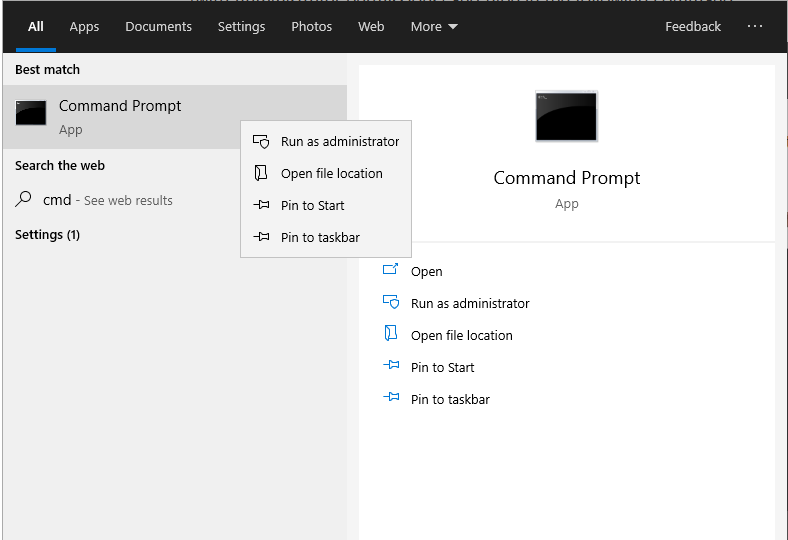
| Start CMD terminal as administrator |
|
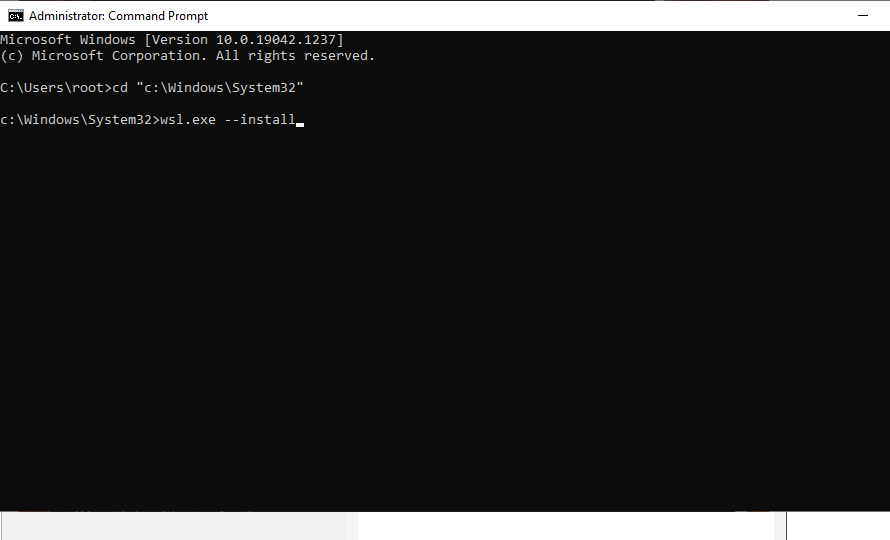
| Install WSL by running command wsl.exe --install |
|
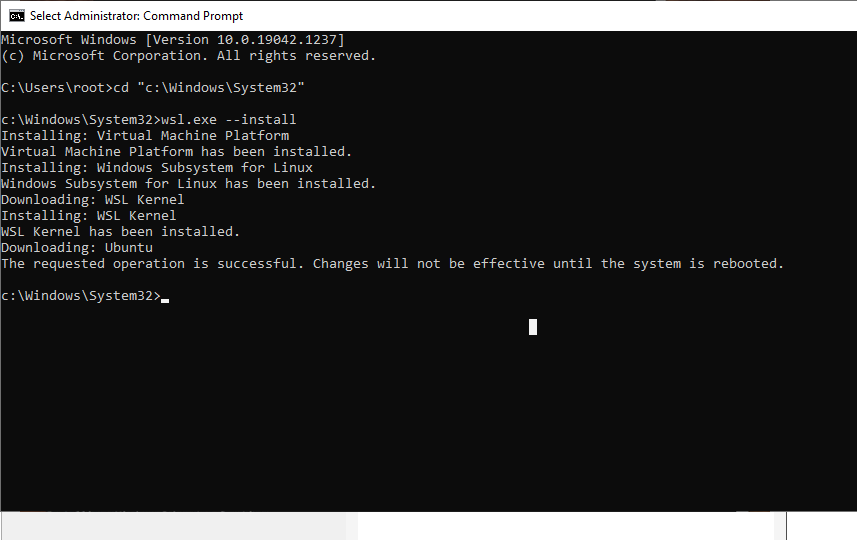
| After completion of installation you will see the status as shown |
|
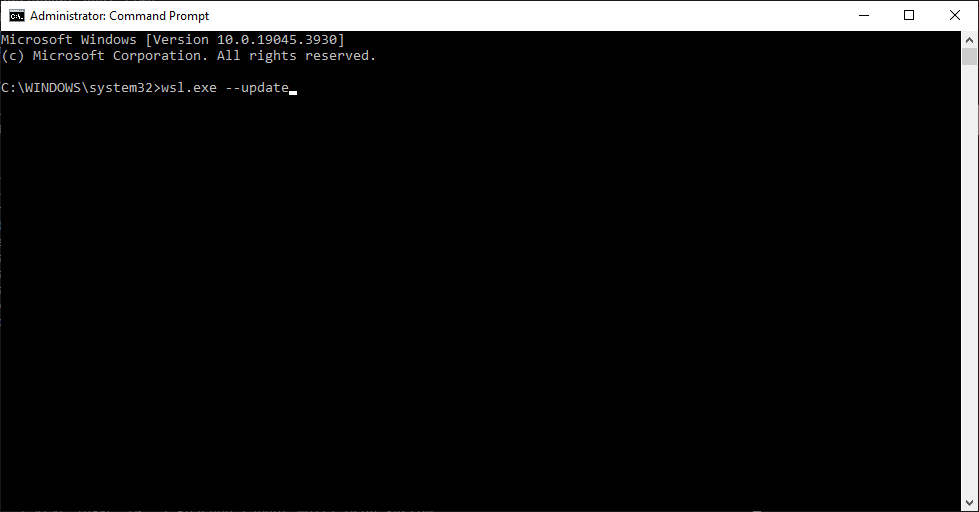
| Update WSL by running command wsl.exe --update. This is required for running GUI applications in WSL. |
|

|
Prerequisites | Installing RedHawk NRT |

|